
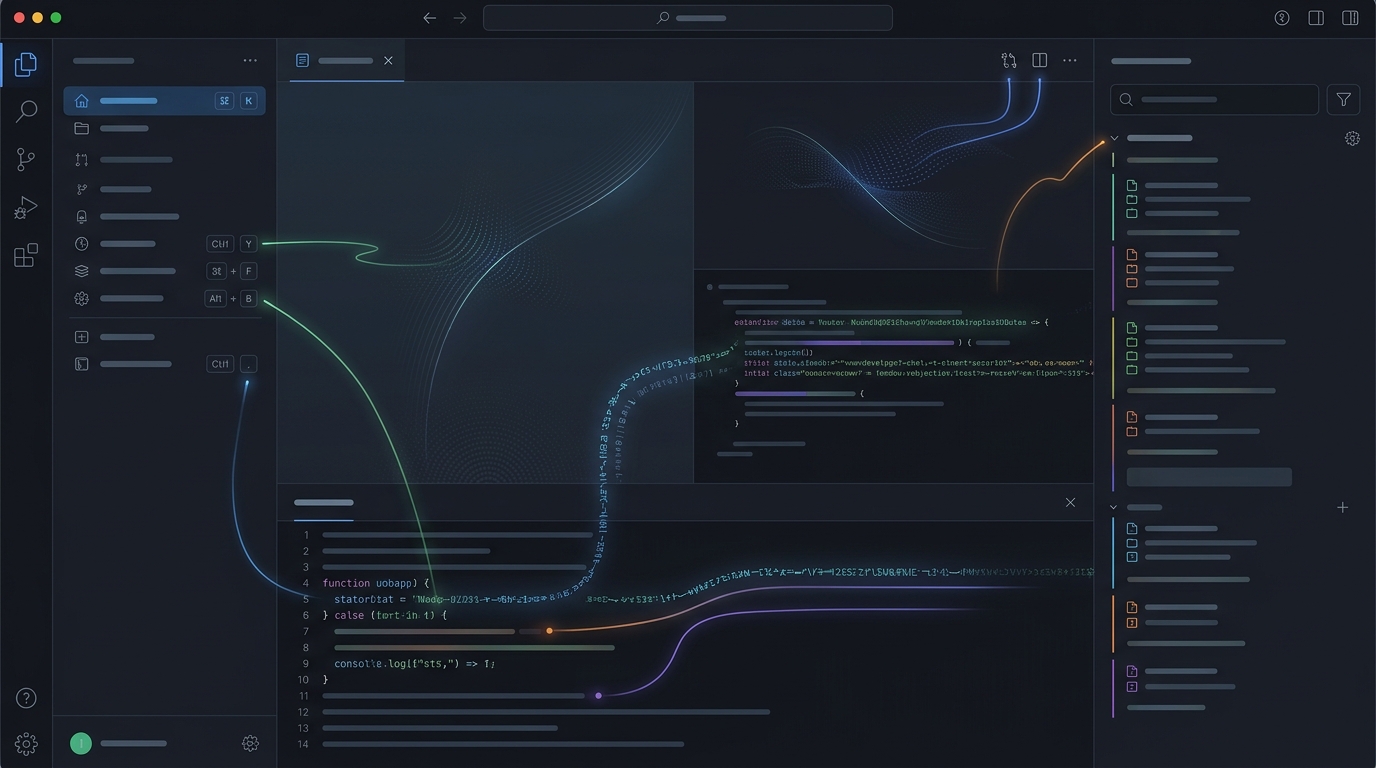
In modern SaaS product design, speed is not merely a technical performance metric—it is the single highest-leverage UX feature. While typical enterprise web applications force users to wait through 400ms loading spinners for every single state mutation, project management tool Linear achieved cult-like status among software engineers because it feels virtually instantaneous. By pioneering a local-first data synchronization architecture combined with aggressive optimistic UI updates, Linear eliminated perceived network latency entirely. Understanding how to design and build optimistic interfaces is essential for product designers and front-end engineers seeking to build category-defining web applications in 2026.
- Optimistic Mutation Paradigm: Linear updates the client interface in 0 milliseconds before transmitting the network payload to the server. If an API request fails, it rolls back gracefully with an undo toast.
- Local-First Storage (IndexedDB): The entire workspace issue database is synchronized and indexed locally in the user’s browser storage, turning search and filtering into instant in-memory operations.
- 100% Keyboard-Driven Navigation: Every single interface action can be triggered without lifting hands from the keyboard, reducing task completion time by up to 65%.
The 6 Speed Secrets Powering Linear’s UX
1. Zero-Latency Optimistic State Updates
Traditional web applications follow a synchronous request-response flow: the user clicks an action, a spinner renders, the server processes the database transaction, and only then does the UI update. Linear completely flips this model:
- User drags an issue card from “In Progress” to “Done”.
- The local React/Vue state updates immediately (0ms visual feedback).
- The mutation is queued and synced asynchronously to the WebSocket backend.
- If the sync fails (e.g. offline status), the mutation remains in local IndexedDB until connectivity restores.
| UX Interaction Dimension | Traditional SaaS Architecture | Linear Local-First Architecture |
|---|---|---|
| Perceived Mutation Latency | 250 ms – 800 ms (Network Bound) | 0 ms (Optimistic Render) |
| Offline Capability | Broken / “No Connection” modal | Full Read/Write via IndexedDB |
| Search & Filter Speed | Server SQL query (150ms+) | In-Memory Trie Index (< 5ms) |
| Navigation Paradigm | Mouse-heavy point-and-click | Global Command Palette (Cmd+K) |
2. The Global Command Palette (Cmd+K) as Primary Navigation
Rather than forcing users to navigate nested multi-level sidebars, Linear made the universal command palette the central nervous system of their UX. Every view, filter, assignation, and setting is queryable via fuzzy search in under 10 milliseconds, setting a new expectation for modern enterprise productivity software.
3. Seamless Tokenized Transitions
Linear achieves buttery smoothness by leveraging GPU-accelerated CSS transforms paired with Design Tokens in Figma and Tailwind CSS. State transitions avoid layout reflows (recalculating DOM box geometries) and instead rely exclusively on transform and opacity hardware layers.
This technical rigor is increasingly driven by the new generation of hybrid builders explored in our breakdown of The Rise of the Design Engineer in 2026.
Frequently Asked Questions: Optimistic UI & Local-First UX
What is optimistic UI in web application design?
Optimistic UI is a front-end pattern where the interface updates immediately upon user input, assuming the backend server request will succeed. If the request fails, the application gracefully rolls back the change and displays an error message.
How does local-first architecture improve SaaS UX speed?
Local-first architecture stores the application’s primary data in browser memory or IndexedDB. Read, search, and filter queries execute locally in sub-5ms without sending HTTP network requests to a remote database.
What happens in optimistic UI when a server request fails?
When an optimistic mutation fails on the server, the client reverts the visual state back to its previous value, informs the user with a non-intrusive toast notification, and offers a one-click ‘Retry’ action.
Building an application that feels instant is no longer optional for high-tier SaaS products. The era of tolerating full-page loading skeletons and blocking spinners for basic CRUD interactions is over. By adopting optimistic state management and local-first data caching, product teams create a tactile, frictionless experience that dramatically elevates user retention and commands premium software pricing.