
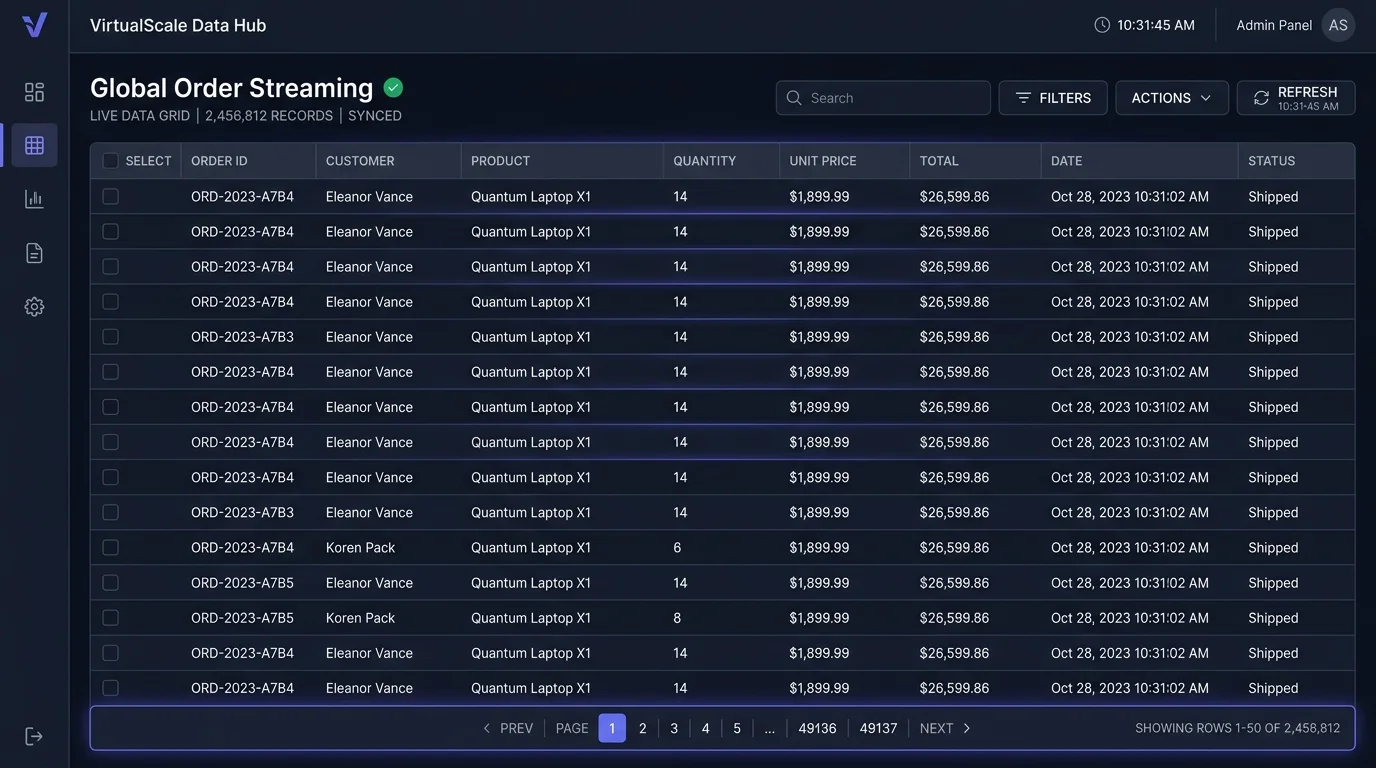
Why Does Infinite Scroll Degrade Enterprise SaaS Usability?
When design teams reflexively apply social media infinite scroll patterns to transactional B2B applications—such as order management systems or multi-tenant workspace dashboards—user productivity plummets. In transactional environments, operators do not browse passively; they locate specific records, cross-reference invoice IDs, and share filtered URLs with teammates.
Without an explicit pagination model, browser memory swells as hundreds of off-screen DOM nodes remain un-virtualized. Furthermore, pressing the browser’s “Back” button after inspecting a deeply scrolled record typically resets the scroll position to the top of the feed, destroying user context and inducing immense cognitive frustration.
How Does Infinite Scroll Impact Core Web Vitals and SEO?
Search engine crawlers do not execute arbitrary scroll triggers or engage with dynamic JavaScript intersection observers in the same manner as human visitors. If your primary catalog or documentation architecture relies solely on infinite scroll without underlying canonical paginated routes (e.g., ?page=2), deeper catalog items remain completely invisible to search bots.
| Architecture Dimension | Infinite Scroll | Standard Pagination | Load More Button (Hybrid) |
|---|---|---|---|
| Interaction Intent | Passive content discovery | Targeted record retrieval | Controlled mobile browsing |
| DOM Memory Footprint | Unbounded (high INP risk) | Fixed & predictable | Grows until refreshed |
| SEO Crawlability | Poor (requires fallback URLs) | Flawless crawl path | Flawless if paired with links |
| State URL Sharing | Complex history state sync | Native query params (?p=4) | Requires pushState sync |
| Footer Accessibility | Impossible to reach | Instantly accessible | Accessible between loads |
When is the “Load More” Hybrid Pattern the Optimal Solution?
The hybrid “Load More” button grants users explicit agency. Instead of surprising the user by injecting content unbidden, it allows keyboard navigation focus to remain stable. When combined with HTML5 history.pushState(), the current page index is appended to the URL bar, ensuring that refreshing or sharing the page returns the reader to their precise position.
For modern web engineering teams balancing design aesthetic with technical rigor, reviewing your visual interface hierarchy alongside Core Web Vitals guarantees that aesthetic modernism never compromises baseline accessibility or search discoverability.
People Also Ask
Does infinite scroll hurt SEO indexing?
Yes. Search engines like Googlebot do not trigger infinite scroll javascript events. Deep content will not be indexed unless accessible via static, canonical paginated links in the HTML source.
What is the best way to handle the browser back button in infinite scroll?
Use the History API (history.pushState or replaceState) to sync the scroll offset and loaded page chunk into the URL query parameters, rehydrating the exact viewport upon navigation return.
What is DOM virtualization and why is it needed for infinite scroll?
DOM virtualization (windowing) unmounts off-screen elements and replaces them with empty placeholder padding, maintaining only visible items in memory to prevent browser lag and high INP scores.
Before finalizing asynchronous table query states, review our core architectural breakdown of SaaS Filter Bar UX: Filter Pills vs. Drawer Sidebars.