
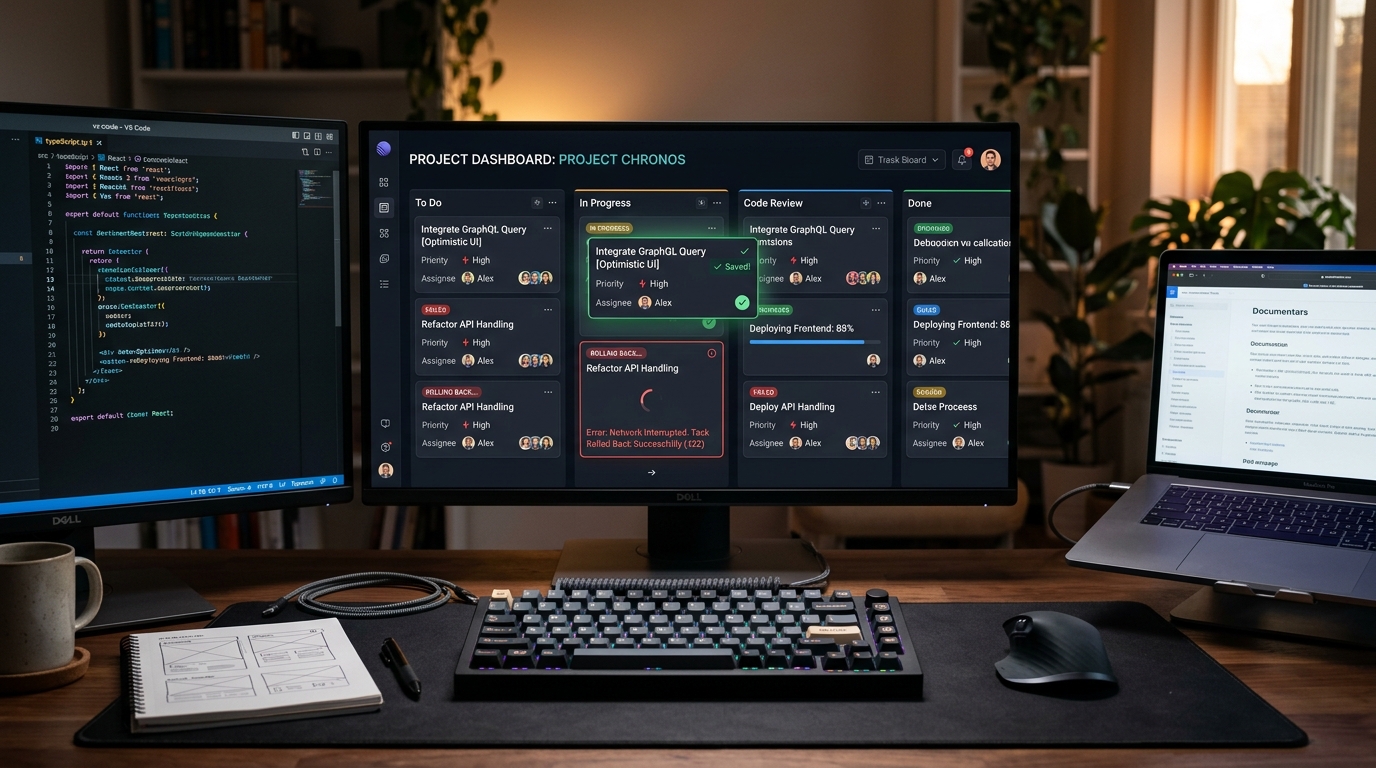
In an era where desktop applications respond within single-digit milliseconds, web applications that force users to wait for round-trip network latency before updating their interface feel sluggish and archaic. Clicking a “Like” button, toggling a project status, or reordering a kanban column should paint the updated state immediately. Optimistic UI architecture assumes network success upfront, instantly rendering mutations on the client while managing background server synchronization and handling network failures with graceful, non-destructive rollbacks.
Optimistic UI delivers perceived zero-latency user experiences by modifying the client-side state cache immediately upon user interaction. Under TanStack Query v5, robust optimistic mutations require three lifecycle hooks: onMutate (capturing a snapshot of existing state and applying optimistic updates), onError (rolling back cache state to the captured snapshot if the network call fails), and onSettled (invalidating queries to refetch canonical server truth).
What Is Optimistic UI and Why Does It Matter?
Optimistic UI is a frontend architectural pattern where user interfaces update immediately upon user action without waiting for a server network response. The application predicts successful completion, paints the new state in sub-16ms frame time, and gracefully rolls back the changes with clear user notification only if the server returns an error.
Pessimistic UI—the legacy alternative—displays loading spinners or disables buttons while waiting 200ms to 2,000ms for HTTP API handshakes. In productivity tools like Figma, Notion, or Slack, pessimistic UI is intolerable. Optimistic updates eliminate user hesitation, dramatically boosting perceived application performance and user engagement metrics.
Pessimistic vs. Optimistic UI Lifecycle Architecture
| Interaction Phase | Pessimistic UI Pattern | Optimistic UI Pattern (TanStack Query v5) |
|---|---|---|
| User Clicks Action | Button disables; spinner renders | UI updates immediately (< 16ms) to final state |
| Network Latency (150–500ms) | User blocked from interacting | User continues workflow seamlessly |
| Network Success (200 OK) | Spinner vanishes; UI updates | Background query silently validates canonical cache |
| Network Failure (500 / Timeout) | Error alert shown; nothing changed | UI snaps back to snapshot; toast explains failure with “Retry” |
For more frontend animation and state coordination, see CSS View Transitions API vs. Motion (Framer Motion) in 2026 and Enterprise Form Validation UX in 2026.
Handling Error Rollbacks Without Jarring the User
When an optimistic update fails—due to a dropped cellular connection, 403 Forbidden permission error, or server database timeout—the interface must revert to its previous state. If handled poorly, sudden UI snapping confuses users who believe their work was saved:
- Preserve Snapshot Integrity: Always cancel outgoing refetches in
onMutatebefore modifying the cache, ensuring background queries do not overwrite your rollback snapshot. - Subtle Reversion Animations: Avoid abrupt screen flashes. If a card was moved across a kanban board, animate it smoothly back to its originating column.
- Actionable Toast Notifications with Retry: Display an informative, non-disruptive toast notification: “Failed to update task status. [Retry Button]”. Provide the user with immediate manual resolution rather than leaving them in a silent failure loop.
Optimistic UI is the defining signature of world-class web engineering. By treating local cache manipulation as primary and network synchronization as background reconciliation, your application feels as fast as native desktop software. Always invest in comprehensive error rollback testing to ensure failures are handled with poise.
People Also Ask (PAA)
When should you NOT use optimistic UI?
Do not use optimistic UI for high-stakes, irreversible financial transactions (e.g., executing a bank wire transfer or submitting an order charge) or destructive operations where rolling back would cause significant real-world damage.
How does TanStack Query handle optimistic update rollbacks?
TanStack Query captures the previous query data snapshot in the onMutate context and uses queryClient.setQueryData to restore that exact snapshot within the onError handler.
What is the difference between optimistic UI and caching?
Caching stores previous network responses for fast read retrieval, whereas optimistic UI anticipates future write mutation results before the server responds.