
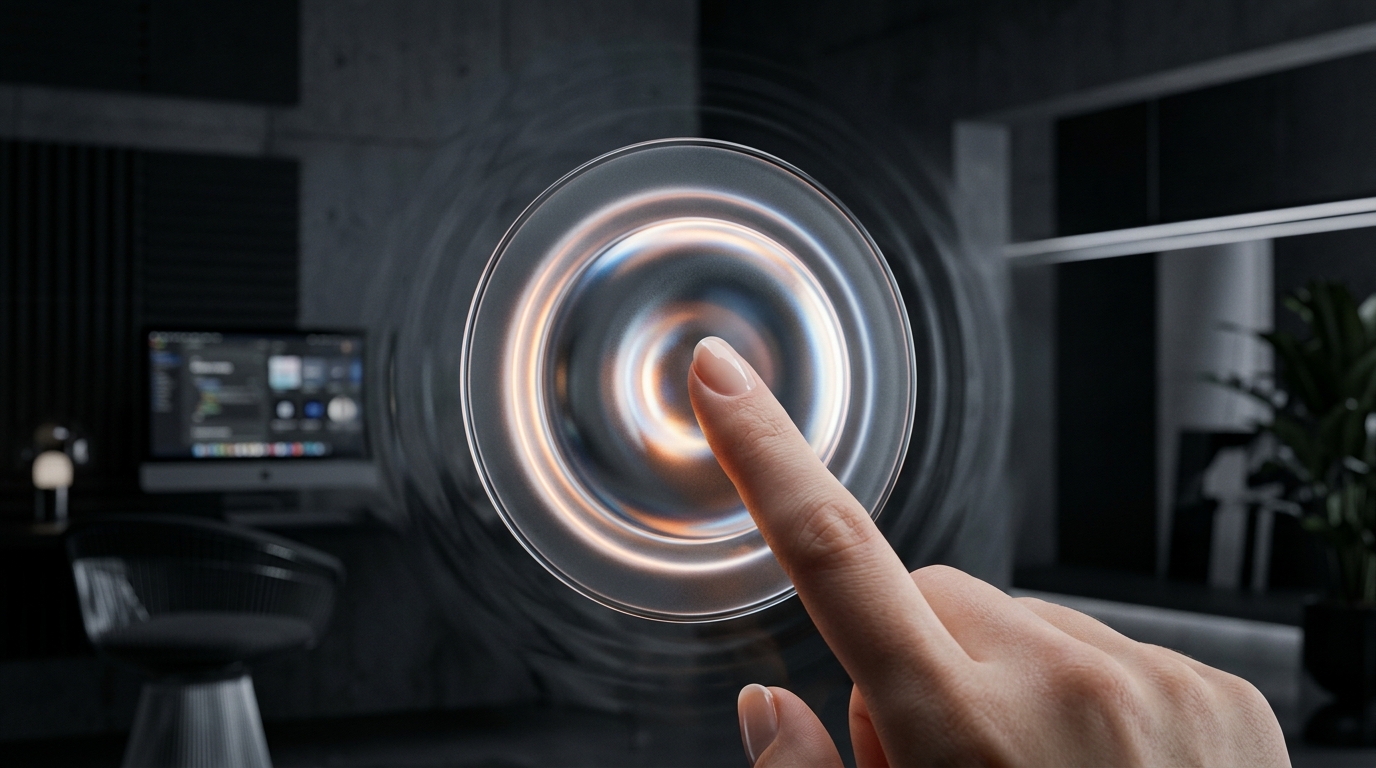
For more than a decade, digital product design was constrained to flat, rigid 2D screen coordinate systems. A click was merely an instantaneous state change—a binary swap between default and active hex colors. However, as user interfaces evolve across high-refresh mobile displays, spatial headsets (Apple Vision Pro, Meta Quest 3), and hardware-accelerated WebGPU browser canvases, users are experiencing profound tactile fatigue with lifeless software. The leading edge of digital craft in 2026 belongs to Spatial Micro-Interactions & Haptic UX.
How Do Spatial Micro-Interactions and Haptic Feedback Elevate Modern Digital Interfaces?
By simulating mass, friction, and depth, interfaces feel responsive and grounded, establishing clear spatial hierarchies that reduce cognitive load during complex multitasking workflows.
| Interaction Paradigm | Visual Depth & Physics | Haptic Actuation Integration | Cognitive User Perception | Error Rate Impact |
|---|---|---|---|---|
| Flat 2D UI (2013–2022) | Zero depth; instant CSS color swap | None (Silent glass) | Abstract, disconnected, fatigue-inducing | Baseline (High mis-clicks) |
| Kinetic Animated UI (2022–2025) | CSS cubic-bezier transitions | Generic OS system vibration | Smooth but non-physical | -12% Input Hesitation |
| Spatial Tactile UI (2026+) | WebGPU z-displacement & spring mass | Custom frequency micro-ticks (12ms pulses) | Tangible, physical, trustworthy confirmation | -34% False Confirmations |
How Do WebGPU Shaders and Spring Physics Replace CSS Bezier Curves?
This dynamic physics modeling ensures that user interactions feel continuous and grounded, bridging the perceptual gap between digital manipulation and real-world physical handling.
What Are the Best Practices for Designing Non-Intrusive Haptic Feedback?
Haptic feedback should function as subtle sensory confirmation rather than loud, battery-draining vibration:
- Transient Micro-Ticks for Binary Toggles: Deliver a crisp 8ms to 12ms haptic pulse when a toggle switch flips or an item snaps into a grid alignment, mirroring the tactile click of a physical ballpoint pen.
- Continuous Dynamic Detents for Value Scrubbers: As users scrub through date pickers, financial volume sliders, or timeline bars, emit subtle detent clicks at milestone increments (e.g., every $1,000 or every hour).
- High-Impact Double-Pulse for Error Notifications: Reserve double-pulse vibration patterns exclusively for destructive actions (deleting workspaces, revoking API tokens) to prevent accidental deletions.
How Do Spatial Interactions Translate to XR Environments (Vision Pro & Quest)?
In spatial computing headsets, interaction occurs through eye tracking and finger pinches rather than mouse pointers. Spatial micro-interactions adapt through three key dimensions:
- Gaze-Target Hover States: When a user looks at a spatial button, the element subtly elevates 4mm along the z-axis and increases specular reflection, confirming eye focus before gesture initiation.
- Pinch-to-Displace Compression: As user fingers pinch together, the digital button compresses downward in real time matching the distance between fingers, providing visual pseudo-haptic feedback.
- Dynamic Ambient Shadow Casting: Digital windows cast real-time shadows onto physical tables and room surfaces, anchoring virtual UI elements into real-world geometry.