
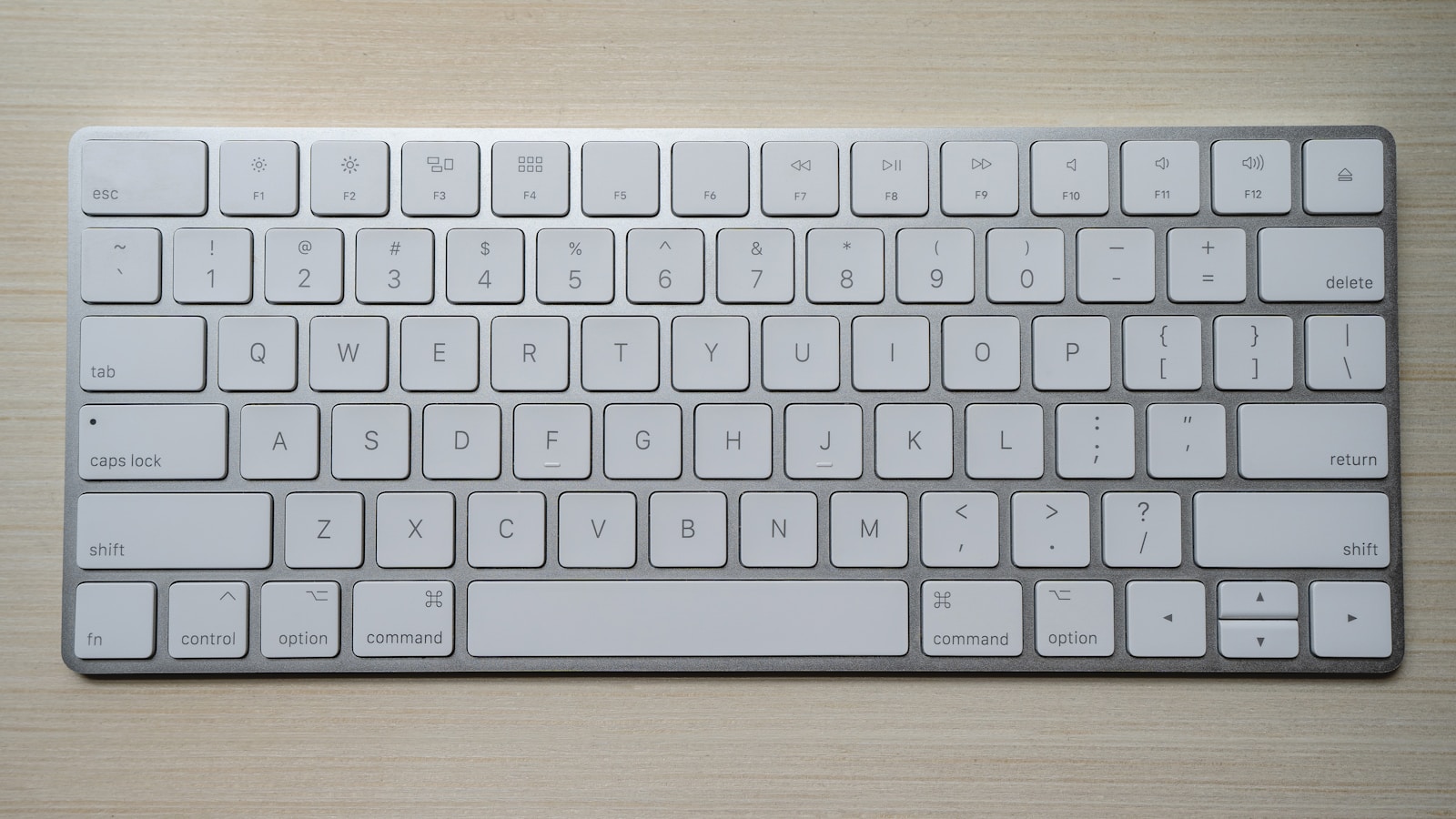
In modern web application engineering, the command palette (universally triggered via Cmd+K on macOS or Ctrl+K on Windows) has transitioned from an esoteric power-user gimmick into the primary navigation modality for high-velocity software. Championed by industry-defining products like Linear, Raycast, GitHub, and Vercel, the command palette completely bypasses nested dropdown menus and multi-level sidebars, allowing users to jump between deep application contexts in under 50 milliseconds.
However, implementing an enterprise-grade command palette is deceptively difficult. Many naive implementations are plagued by layout thrashing, broken accessibility focus states, lagging fuzzy searches, and race conditions during asynchronous action execution. Designing a production-ready command palette requires engineering a resilient keyboard state machine, adhering to strict W3C WAI-ARIA combobox standards, and optimizing client-side score indexing.
- The Sub-50ms Perceptual Speed Threshold: If filtering results takes longer than 50 milliseconds, the interface feels sluggish and breaks flow. Command matching must happen entirely in-memory on the client, leveraging lightweight fuzzy string matching algorithms (e.g. Smith-Waterman or Bitap).
- The W3C ARIA 1.2 Combobox Pattern: Screen readers and assistive technologies require strict ARIA primitives:
role="combobox",aria-autocomplete="list",aria-controls, and active descendant tracking viaaria-activedescendant. - Contextual Hierarchy & Action State Machines: Commands must adapt dynamically based on where the user opened the palette (e.g. viewing an open issue vs. viewing billing analytics), transitioning through distinct sub-menu levels without closing the modal.
- Recent Searches & Recency Bias: Storing recent user actions in
localStorageprovides instantaneous muscle memory shortcuts the moment the palette opens with an empty query.
The Anatomy of a Production-Grade Command Palette
A resilient command palette is composed of four distinct operational zones, each demanding specialized interaction design:
| Command Bar Zone | Interaction Model | Technical Implementation | UX Failure to Avoid |
|---|---|---|---|
| 1. Search Input Bar | Auto-focused text input with prefix icons, clear buttons, and active breadcrumbs. | Uncontrolled or controlled input with instant state synchronization; zero debounce on client filter. | Losing focus when navigating results; jumping cursor to start of text. |
| 2. Grouped Results List | Categorized list (Navigation, Actions, Documents, Help) with keyboard highlight states. | Virtual list virtualization (React Virtual / TanStack Virtual) if list exceeds 100 items. | Uncategorized dumping of 50 items; layout shift as search query changes. |
| 3. Shortcut Pill Badges | Visual hints displaying direct hotkeys (e.g. G then I, Cmd+Shift+P). |
Semantic <kbd> elements styled with system-native modifier glyphs (⌘, ⌥, ⇧, ⌃). |
Displaying Windows Ctrl shortcuts to macOS users or vice versa. |
| 4. Footer Navigation Guide | Persistent bottom bar showing navigation instructions: “↑↓ to navigate, ↵ to select, Esc to close”. | Static or context-aware footer providing instant affordances for new team members. | Hiding navigation affordances, stranding non-power users. |
Accessibility Standards: Conforming to WAI-ARIA 1.2 Combobox
One of the most frequent accessibility violations in modern SaaS applications occurs when developers build custom command palettes using generic <div> elements without semantic ARIA roles. Assistive technologies are left blind, unable to announce which item is currently highlighted or how many results match the query.
To achieve full compliance, the command palette must follow the ARIA Combobox Pattern:
- The wrapper input must have
role="combobox",aria-expanded="true",aria-haspopup="listbox", andaria-controls="cmd-listbox". - The list container must have
role="listbox"with anid="cmd-listbox". - Each selectable row must have
role="option"and a uniqueid(e.g.id="cmd-option-issue-104"). - Virtual Focus via Active Descendant: The native browser DOM focus remains pinned to the
<input>element at all times so the user can continue typing. As the user presses the Up/Down arrow keys, the input’saria-activedescendantattribute dynamically updates to the ID of the highlighted option.
For a detailed breakdown of focus rings and accessible outlines, review our guide on Keyboard Shortcuts & Spatial Navigation UX.
Fuzzy Search Optimization: Scoring Algorithms & In-Memory Indexing
In web applications, search latency is the enemy of keyboard ergonomics. If a command palette performs a network fetch to a backend API on every keystroke, network jitter (150ms–300ms) will cause keystroke stutter and out-of-order response bugs.
Top-tier SaaS applications—originating with desktop tools like Raycast’s command bar UX—solve this with Client-Side In-Memory Indexing:
- Pre-Warmed Command Registry: Upon initial app load, the application registers all static routes, actions, and settings into an in-memory trie or array.
- Fuzzy Ranking Matrix: Instead of primitive
string.includes(), the search engine utilizes scoring weights:- Exact Prefix Match: +100 points (e.g. typing
"iss"matches"Issues"). - Consecutive Characters: +50 points.
- Acronym / Capital Letter Match: +75 points (e.g. typing
"np"matches"New Project"). - Recency Multiplier: +30 points if the user executed this action in the last 48 hours.
- Exact Prefix Match: +100 points (e.g. typing
- Asynchronous Entity Augmentation: For large dynamic datasets (e.g. searching 50,000 customer records in a CRM), the palette instantly displays static action matches in <10ms, while a background debounced web-worker fetches dynamic database results into a secondary “Search in Database” section without freezing the UI thread.
This approach mirrors the engineering principles of optimistic UI and local-first architecture.
The Multi-Level State Machine: Designing Nested Sub-Actions
Not every command is a single-click navigation event. Often, a command initiates a parameterized workflow—such as “Assign Issue…” (which requires selecting a team member) or “Set Priority…” (which requires picking Urgent, High, Medium, Low).
Modern command palettes handle this using a Hierarchical Stack State Machine:
| State Level | Visual Architecture | Keyboard Event Transitions |
|---|---|---|
| Root Level | Global command list showing top actions and navigation targets. | User selects “Change Status…” and hits Enter. State pushes to Level 1. |
| Sub-Action Level | Search bar displays breadcrumb pill: Status > [Input]. Results filter to statuses only. |
Pressing Backspace on an empty input pops the stack back to Root Level. |
| Action Completion | Palette closes immediately; optimistic toast confirms change. | Focus returns to the exact element that held focus prior to opening the palette. |
People Also Ask
What is the best library for building a Cmd+K command palette in React?
The industry standard in 2026 is cmdk by Paco Coursey (used by Linear, Vercel, and Raycast web), which provides unstyled, accessible WAI-ARIA combobox primitives with built-in fuzzy filtering. Another leading alternative is kmenu or building custom wrappers on top of Radix UI Dialog and Combobox primitives.
How fast should a command palette respond to feel instant?
A command palette must render keystroke updates and filtered results in under 50 milliseconds (ideally under 16ms to maintain 60 FPS). Achieving this requires keeping static commands and recent items in-memory on the client rather than dispatching network API calls on every keystroke.
How do you handle keyboard accessibility in a custom command palette?
Adhere strictly to the W3C WAI-ARIA 1.2 Combobox pattern: apply role="combobox" to the input, maintain native DOM focus inside the input at all times, and use aria-activedescendant to signal which role="option" in the role="listbox" is highlighted as the user navigates with the arrow keys.
Data Architecture Teardown (2026): To master high-performance interaction design on dense analytical surfaces, read our engineering masterclass: Designing High-Volume Data Tables: Virtualization, Pinned Columns & Sub-Millisecond Render UX.
Related Architecture: For advanced patterns on managing multi-organization state and team scoping alongside keyboard palettes, read our architectural guide on B2B SaaS Multi-Tenant Workspace Switcher UX.